
Urgent: "Block Dock" WordPress Malware & UpdraftPlus Supply Chain Attack
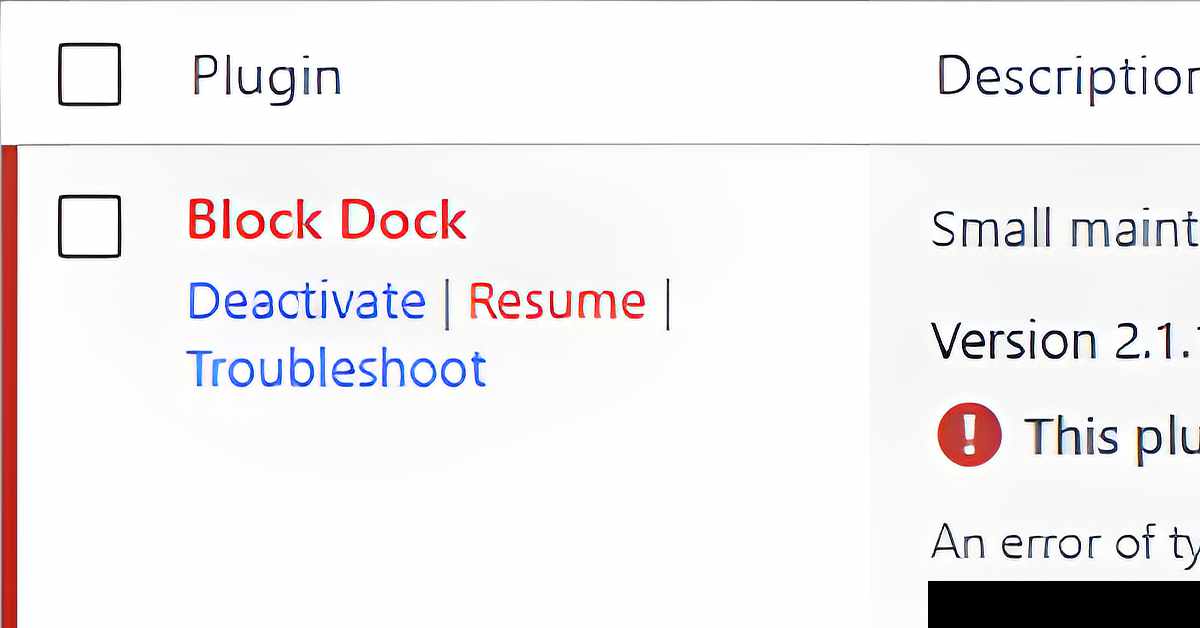
If you have logged into your WordPress dashboard today and found your site in Recovery Mode due to a fatal error caused by a plugin called “Block Dock” by “CommonGantry”, you are experiencing an active security incident. This is exactly what happened to my website on October 19, 2026.
This is a malicious payload being dropped onto WordPress sites globally following a security breach that compromised remote management keys.
What is the "Block Dock" Plugin?
“Block Dock” is a dummy plugin used as a backdoor payload. It masquerades as a harmless database maintenance tool with the description: “Small maintenance toolkit: keeps option storage tidy.”
The good news: For many site owners, the hacker made a fatal programming mistake in the code. The script attempts to reference an undefined constant (Blockdock::FIELD), which causes WordPress to trigger a Fatal Error (E_ERROR) and halt the plugin instantly before it can run silently in the background.
What Was It Trying to Do?
Had the code executed successfully without crashing, it was designed to achieve three malicious goals:
- Establish a Persistent Backdoor: It attempts to save a communication token (block_dock_sync_token) into your site’s database.
- Bypass Core Security: By using compromised remote sync keys, the upload often completely bypasses traditional Web Application Firewalls (WAFs), login portals, and Two-Factor Authentication (2FA).
- Hidden Privilege Escalation: The underlying exploit framework has been observed dropping hidden user accounts, often covertly assigned to the Editor role instead of Administrator to avoid triggering default admin-creation alerts.
Technical details for the attack on my website have been posted on VirusTotal.
How to Completely Clean and Remove It
If your security scanner flags this plugin, or if you find the block-dock folder inside your directory, follow these steps immediately to clean your environment:
Step 1: Delete the Plugin Files
- If you have dashboard access, navigate to Plugins, click Deactivate, and then Delete “Block Dock”.
- If your dashboard is locked down, connect to your site via SFTP or your hosting File Manager. Navigate to /wp-content/plugins/ and completely delete the block-dock folder.
Step 2: Purge the Database Leftovers
The plugin attempts to write persistent hooks into your database configuration.
- Log into phpMyAdmin through your hosting control panel.
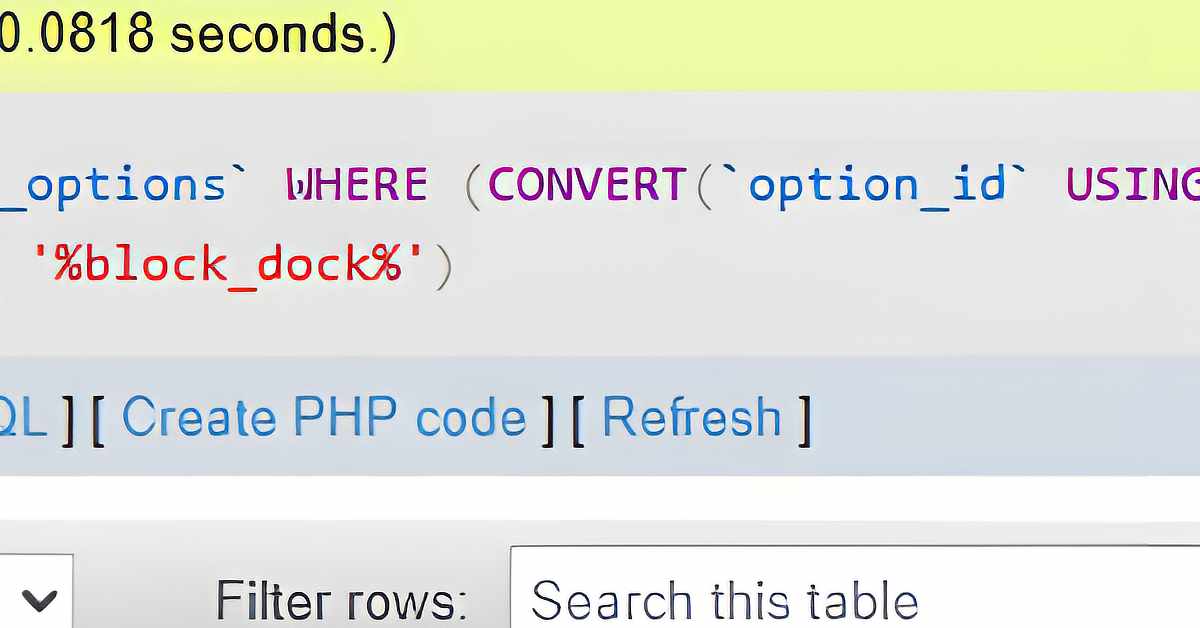
- Go to the Search tab, select your wp_options table (e.g., wp_options or wp2f_options), and search for the term block_dock.
- Delete any matching rows found (such as block_dock_sync_token or related activation history strings).
Step 3: Revoke Stolen Connection Keys
Because the attack relies on pre-existing trusted communication tokens, updating your plugins is not enough—you must break the connection:
- Go to your WordPress dashboard and open your backup plugin settings.
- Locate any active remote management or dashboard connection keys.
- Explicitly disconnect and delete all existing keys to force the site to generate fresh, uncompromised tokens.
Step 4: Audit Your Users
Go to Users > All Users and manually audit every account. Do not just look for rogue Administrators; carefully inspect your Editors and Authors list to ensure no unauthorized accounts were slipped in.
If your security plugin gives you access to activity logs, check those for any failed login attempts. In my case, I found an excessively high number of bots trying to login to one of the author profiles on my site. As a precaution, I made a new user account and moved all the content from the old account into the new one before deleting it.
Bonus Tip: Ban the Known Block Dock IP Address
For the attack on my website, the main IP address was 216.244.66.243. The malicious traffic from this specific IP address all hit right around the first reports of the attack started to come in. For an extra security step, add this IP to your security plugin’s block or ban list. There is likely many others associated with this attack.
UpdraftPlus Security Incident Response
UpdraftPlus has released version 1.26.13 (Free) and 2.26.13 (Premium) to automatically revoke compromised UpdraftCentral connection keys. This threat intelligence update confirms the core details of the server breach at teamupdraft.com and provides critical verification steps to ensure your site is completely secure.
Critical Vulnerability Timeline & Details
Security intelligence firms Patchstack and Nethemba monitored active threat campaigns between October 18 and October 19, 2026. Attackers gained unauthorized access to TeamUpdraft’s customer database over the weekend, stealing legitimate private communication signing keys.
Because the hackers utilized real, pre-authenticated keys, malicious payloads bypass traditional firewall rules and plugin patches. Threat telemetry has identified at least 99 distinct backdoor plugin names (including “Block Dock” and “Image Core”) being pushed directly through this channel.
Write for Art & Design by Teresa Cowley! Submit your guest post or sponsored collaboration idea on art, design or the creative industry. Share your expertise with a global community of artists and designers.


0 Comments