
Home > Blog > Reviews > Color Gear X Review: Colour Palettes Like Never Before

Exploring Colour Palettes with Nostalgia and Innovation

Colour Palettes of many hues
Find a colour scheme that suits you, and the type of project you are embarking on. At the end of the post, I have some examples of palettes created with Color Gear X.

Delving into the world of colour palettes has been a nostalgic and fulfilling journey for me lately. Reflecting on my early days of exploring image editing and graphic design, I realize how far I’ve come and how technology has advanced. From the humble beginnings of creating colour palettes in MS Paint of all things to now using sophisticated tools like Affinity Photo and mobile apps like Color Gear X (iOS), the possibilities seem endless.

This post is completely unsponsored. I’m simply sharing because I find this app useful. Color Gear X has truly captured my attention, not just as a user-friendly professional tool but also as a source of creative inspiration. Its intuitive interface and utilization of colour theory principles make it a valuable resource for designers and artists alike. With a choice between the Full Colour Wheel and the Basic Itten’s Colour Wheel, I can explore a variety of color combinations and harmonies that suit my needs and preferences.

The app’s ability to extract colours from images adds a new dimension to the creative process. Being able to select and save favorite colors from extracted palettes provides a convenient way to build a personalized collection for future projects. And with the easy-to-use colour editing tool, achieving harmony and balance in colour palettes becomes a breeze.

Saving, exporting, and sharing palettes is a seamless experience with Colour Gear X. Whether I want to share the HEX codes or an image representation of my palette, the app offers flexible options. Additionally, the ability to copy specific colour codes from the colour swatch enhances convenience and efficiency.

As I continue my exploration of colour palettes and push the boundaries of my creativity, tools like Color Gear X become indispensable companions. They empower me to experiment, create, and express my artistic vision in a way that captivates both myself and others. So, if you’re passionate about colours and seeking a useful and fun way to experiment with palettes on the go, I wholeheartedly recommend giving Color Gear X a try. Happy palette creation!

Colour Palettes Created with Color Gear X

Here are some sample colour palettes made with Color Gear X. Feel free to sample the colours for your own projects if you like! Sorry if the colour codes are hard to read. The best way around that is to save the palette, import it into your preferred software and sample the colour with the colour picker tool.

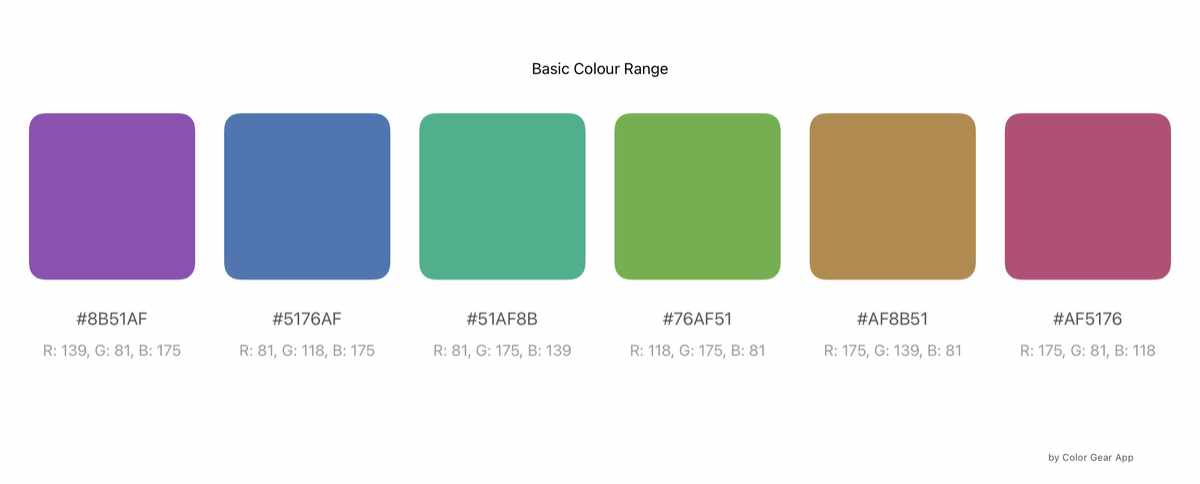
A basic colour wheel palette created with the Color Gear X app
A simple colour palette created with the basic colour wheel setting in the Color Gear X app.
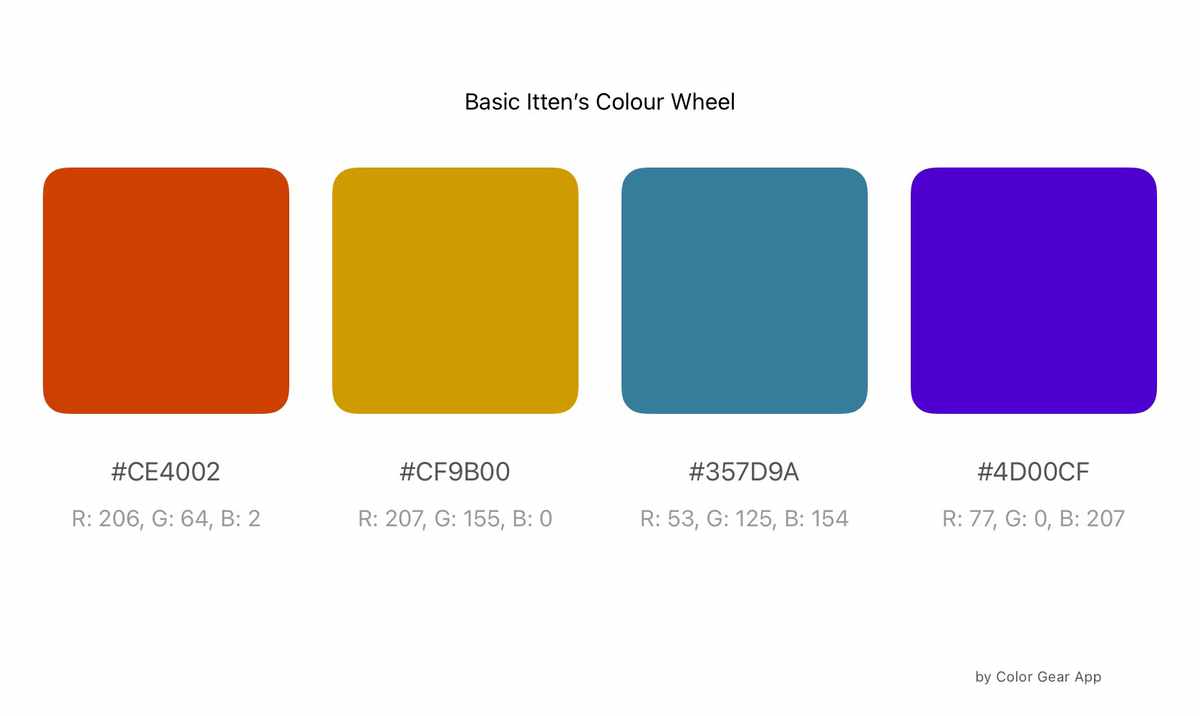
A colour palette created with the Itten's colour wheel setting in the Color Gear X app.
A simple four colour palette created with the Itten's colour wheel setting in the Color Gear X app.

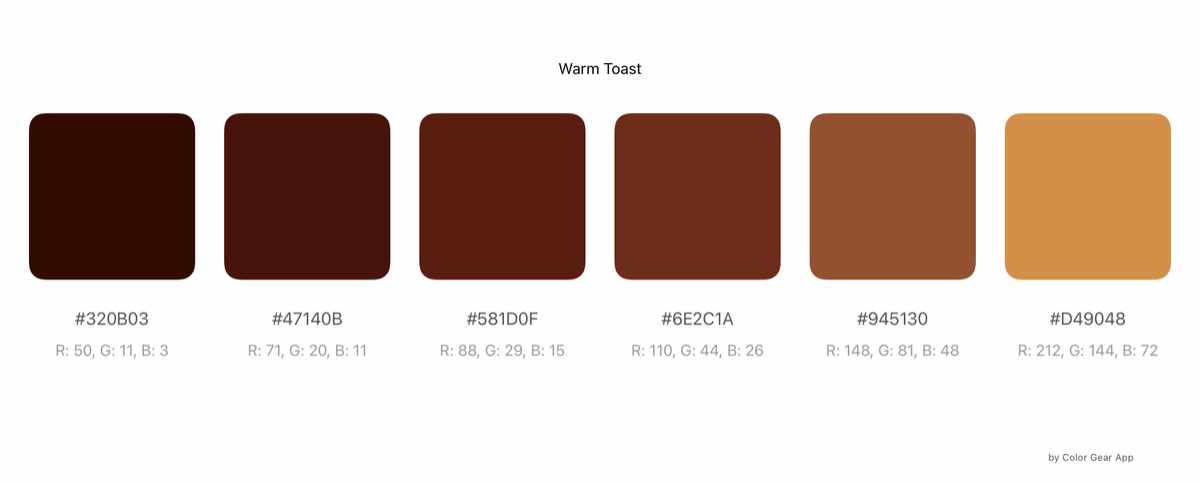
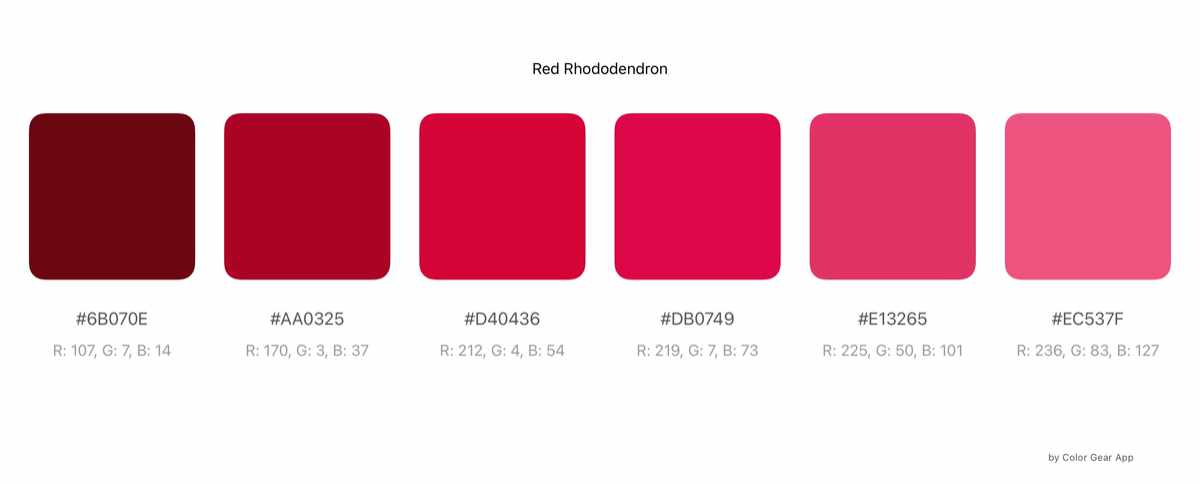
These next palettes were created with the image to palette setting in Color Gear X.

A purple jewel tone colour range created from an image in the Color Gear X app.
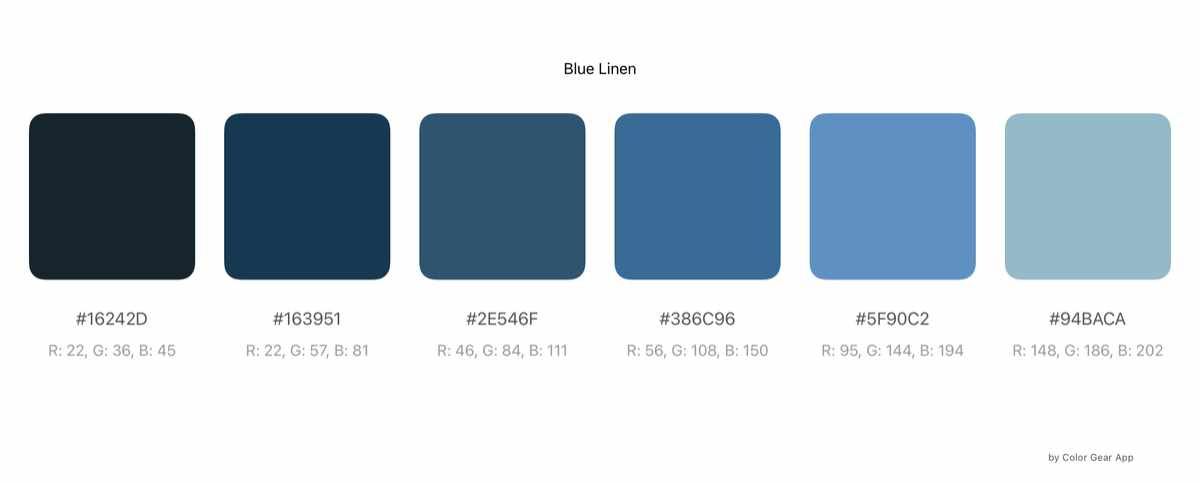
A blue linen colour range created from an image in the Color Gear X app.
A green plant life colour range created from an image in the Color Gear X app.
A golden brown colour range created from an image in the Color Gear X app.
A red rhododendron colour range created from an image in the Color Gear X app.

I hope you enjoyed the review and palette samples! What are some other colour theory or palette creation tools you’ve discovered? I’d love to hear about them! Let me know in the comments below!

More from Art and Design by Teresa Cowley
Why Contemporary Graphic Designing Is So Much In Demand_
Why Contemporary Graphic Designing Is So Much In Demand?
Have you noticed how everything just looks better now? Like, you open an app, see an ad, or even grab...
A close-up photo of thick, textured blobs of oil paint in earthy and autumn-inspired tones arranged on a light-colored palette. The colors closely resemble the October 2025 palette, including dark brown, burnt orange, burgundy, beige, green, and blue-gray hues, with visible brush strokes adding texture and depth.
Play with Colour: October 2025 Trends
Ready to cozy up your palette? October 2025’s colour trends bring a rich blend of warm neutrals, spiced...
The image shows a desktop computer setup, including a monitor, keyboard, mouse, and a tower case. The monitor displays a digital art software with a colorful abstract artwork in progress, featuring swirling lines, brushstrokes in blue, green, yellow, and black, and a square frame in the center containing ornate black patterns. The user interface of the software includes various toolbars on the sides, with color options and drawing tools visible. The computer tower is silver and black, and the background features a soft, blurred, multicolored pattern.
Back to Tradition with Rebelle
Advancements in painting software like Rebelle have unexpectedly brought me back to traditional techniques....

Digital artist and graphic designer, Teresa Cowley

My name is Teresa Cowley, and I'm a digital artist and graphic designer from Vancouver Island, Canada. I focus on abstract and fantasy art as well as digital collage, and like to utilize AI art tools as part of my design process to create new, innovative pieces of art. I strive to create new, unique designs that tell imaginative stories, and I am eager to push the boundaries of what can be expressed with art and technology.

0 Comments

Leave a Reply

Avatar placeholder

Your email address will not be published. Required fields are marked *